
Adding a payment method for WhatsApp messages
Needed on every plan. Since 1 October 2026 Meta gives each number 1,000 free replies a month and charges for replies after that, and for every message you start (templates). Without a card, Meta stops sending replies once the free 1,000 are used.
Before you start
- A Visa or Mastercard that allows online payments
Step by step
1Open WhatsApp Manager settings
Go to business.facebook.com/wa/manage, pick your WhatsApp account, then open the settings (gear) and Payment methods, or Billing and payments.
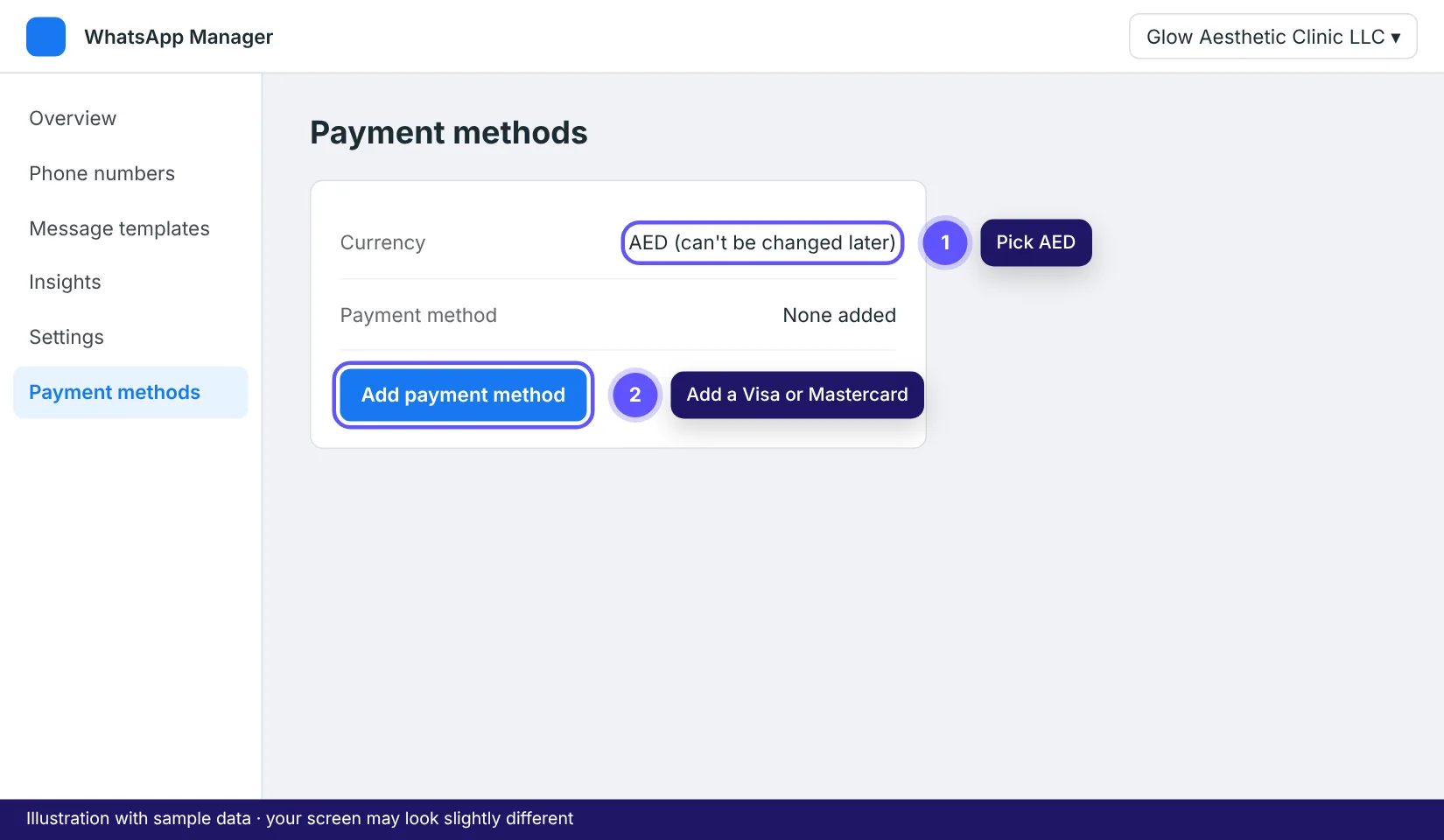
2Add your card
Click Add payment method, choose AED as the currency if asked (it can't be changed later), enter the card and confirm the 3-D Secure code from your bank.
Tip: Card declined? Ask your bank to allow international online payments to Meta (Facebook). Most UAE declines are this.
3Tick it off in ROSA
Back in your ROSA dashboard, mark the payment method step as done in Finish setting up so replies, reminders and follow-ups keep going out.
Tips that save time
- On every plan, Meta bills its message fees to your card directly. Replies: the first 1,000 each month are free, then about AED 0.06 a reply. Marketing templates are always at Meta's rate, and ROSA adds no markup. A UAE appointment reminder costs a few fils.